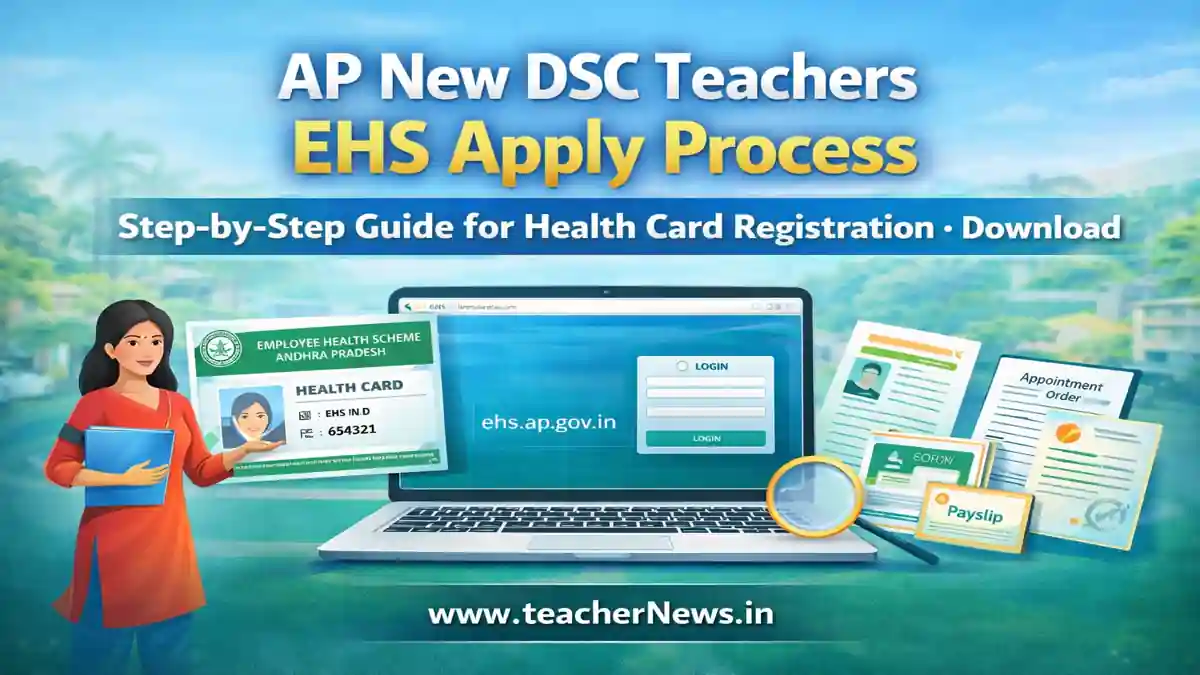
AP New DSC Teachers EHS Apply Process 2026 – Step-by-Step Guide for Health Card Registration
AP New DSC Teachers EHS Apply Process 2026 is an essential step for all newly appointed teachers under the AP DSC 2025 recruitment. The Employee Health Scheme (EHS) provides cashless medical facilities to government employees and their dependents. Understanding the complete EHS application process is very important for every new teacher.
In this article, we are providing complete details about the AP New DSC Teachers EHS Apply Process, required documents, step-by-step registration, login process, and approval system. Follow this guide carefully to apply for your EHS health card without any mistakes.
📢 Join Our Official Channels for Daily Updates
📱 Join WhatsApp Channel 🚀 Join Telegram ChannelGet daily TeacherNews updates directly on your mobile.
AP New DSC Teachers EHS Apply Process 2026 Overview
| Scheme Name | Employee Health Scheme (EHS) |
|---|---|
| Department | Dr. NTR Vaidya Seva Trust |
| Beneficiaries | AP Government Employees & Teachers |
| Purpose | Cashless Medical Treatment |
| Official Website | ehs.ap.gov.in |
What is the AP EHS Scheme for Teachers?
The AP Employee Health Scheme (EHS) is a welfare program designed to provide medical support to employees. Newly recruited DSC teachers must apply for EHS cards to access free treatment in empanelled hospitals.
This scheme covers major surgeries, treatments, and hospitalization expenses. Hence, completing the AP New DSC Teachers EHS Apply Process is mandatory.
Documents Required for AP EHS Apply Process
- Aadhaar Card
- Appointment Order
- First Month Payslip
- DDO Covering Letter
- SSC Certificate
- Passport Size Photo
Step-by-Step AP New DSC Teachers EHS Apply Process
Step 1: Send Email Request
The candidate must scan the Aadhaar, appointment order, payslip, and DDO covering letter. Send all documents to official email: ap_ehf@drntrvaidyaseva.ap.gov.in
Step 2: Receive Login Details
After 5–6 days, you will receive EHS login credentials (User ID & Password) to your email.
Step 3: Log in to the EHS Website
Visit the EHS Login Page and log in using your credentials.
Step 4: Initiate Health Card
Go to Registrations → Initiate Health Card and fill all details carefully.
Step 5: Upload Documents
Upload your Aadhaar, payslip, SSC certificate, and a photo. Submit application.
Step 6: DDO Approval
Your application goes to the DDO login. After verification, a health card will be generated.
Step 7: Add Family Members
Use Initiate New Beneficiaries option to add dependents.
Useful Links for AP Employees
Benefits of AP EHS for Teachers
- Cashless treatment
- Covers major diseases
- Family coverage
- No need to pay hospital bills
AP New DSC Teachers EHS Apply Process 2026 is a crucial step for every teacher to access medical benefits. Completing the process early ensures uninterrupted healthcare services for you and your family members.
Common Mistakes to Avoid
- Incorrect Aadhaar details
- Uploading unclear documents
- Missing DDO covering letter
- Wrong email submission
Why is the EHS Card Important?
The EHS card is mandatory for availing medical services under AP government schemes. Without completing the AP New DSC Teachers EHS Apply Process, you cannot use EHS benefits.
FAQs – AP DSC Teachers EHS Apply Process
Q1: How to apply for AP EHS?
Send documents via email and complete registration online.
Q2: How many days for login details?
Usually 5–6 days.
Q3: Is EHS mandatory?
Yes, for all government teachers.
Q4: Can I add family members?
Yes, through the beneficiary option.
Q5: Who approves the application?
DDO verifies and approves.